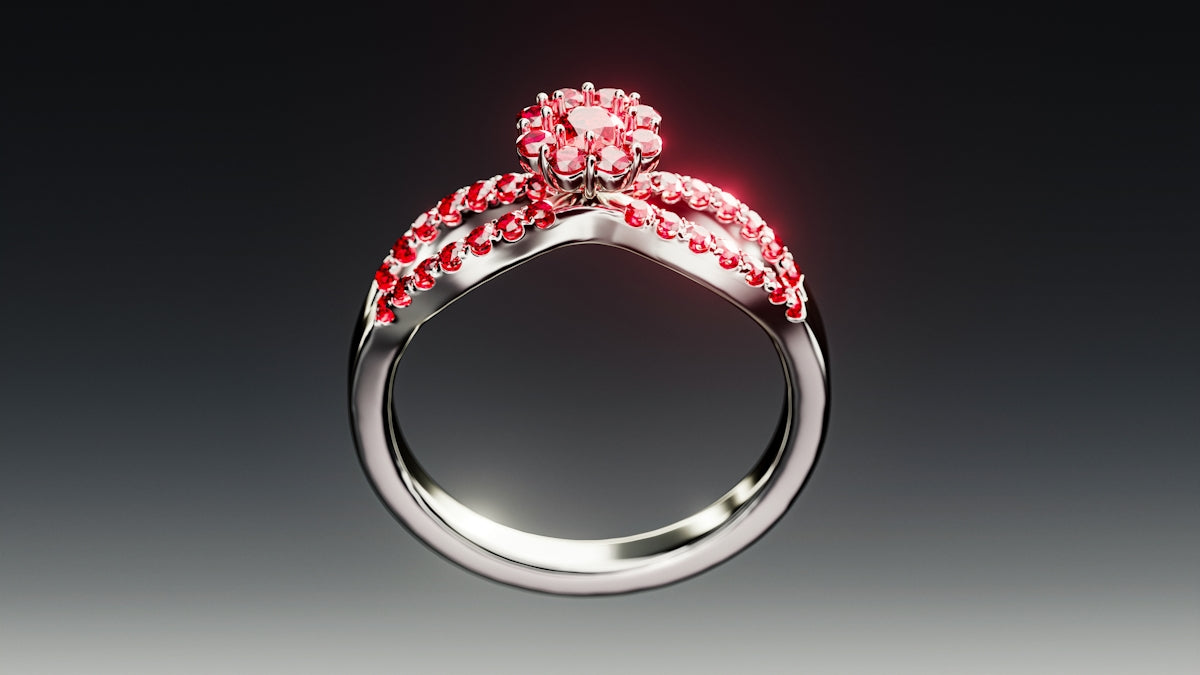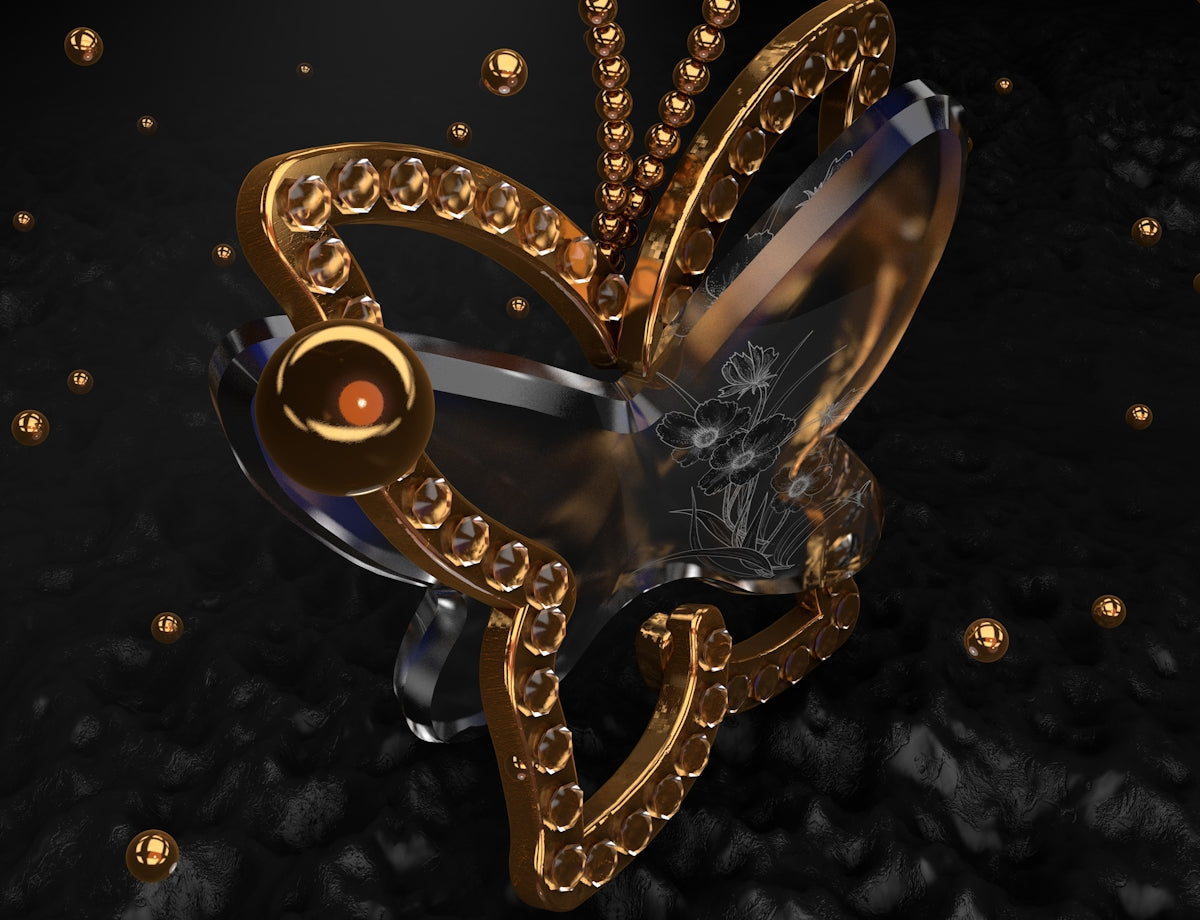
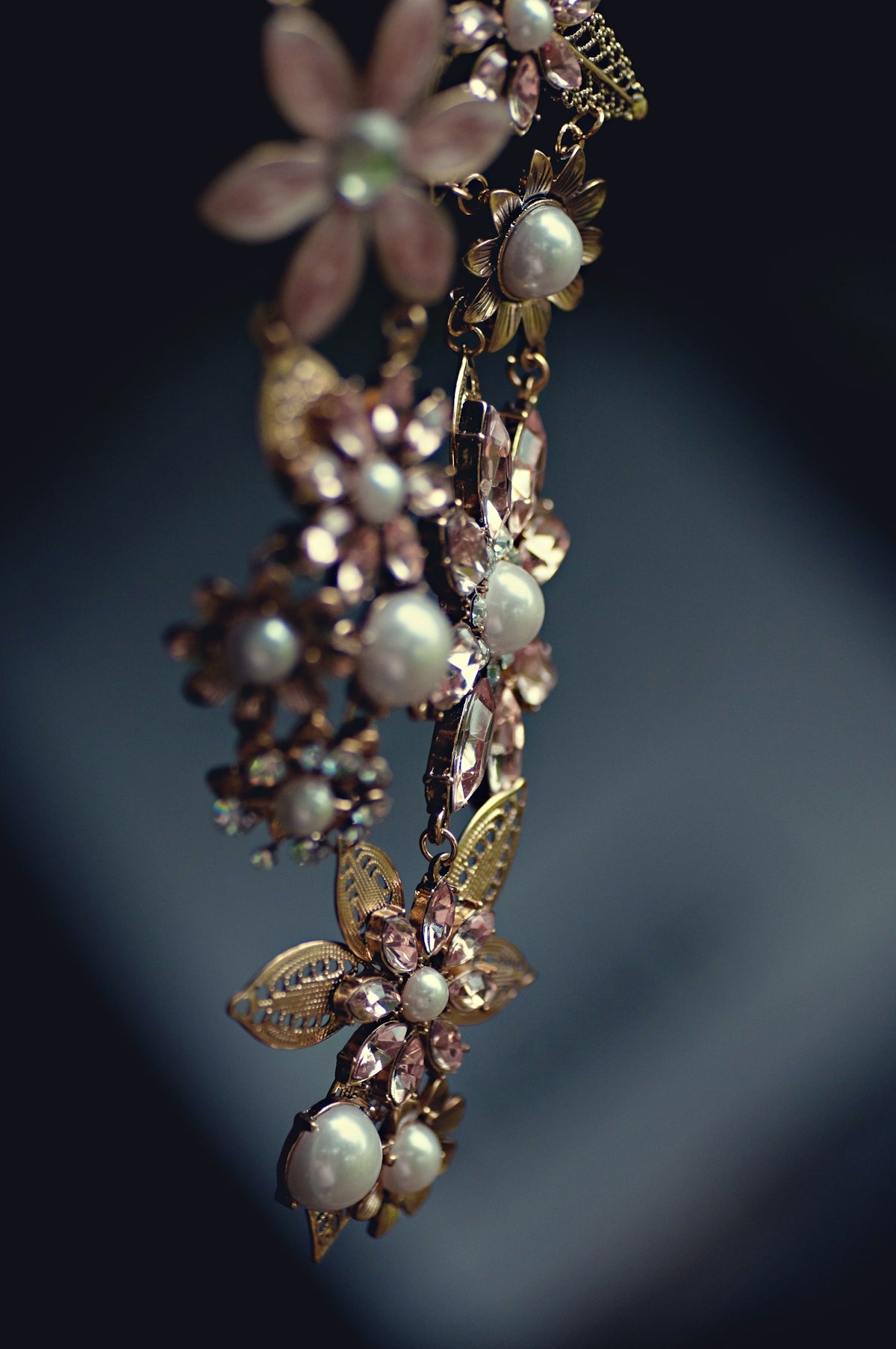
Jewelry design is an art form that blends creativity with craftsmanship, leading to stunning pieces that captivate and inspire. As a jewelry designer, or even an aspiring digital jewelry designer, elevating your skills and expression through concept art can be a transformative experience. In our digital age, tools like Procreate offer unparalleled opportunities for both novice and seasoned professionals in jewelry design. To truly maximize your potential, explore Procreate tools that make you feel like a pro with the robust resources available at JewelsBrushes.com.
Introduction to Procreate for Jewelry Design
Procreate is a popular digital illustration app for the iPad, renowned for its versatility and intuitive interface. It offers a seamless platform to bring your jewelry concepts to life, allowing you to sketch, refine, and perfect designs with precision. Whether you're a jewelry sketch artist starting out or a jewelry concept artist looking to enhance your workflow, Procreate provides all the tools needed to create professional-grade artwork.
Why Use Procreate?
For those in the jewelry design industry, transitioning from paper and pencil to a digital platform can be daunting. However, the advantages of Procreate are manifold:
- Intuitive Interface: The simplicity and elegance of Procreate make it accessible to users of all skill levels.
- Versatility: From sketching intricate details to applying polished finishes, Procreate covers the complete design process.
- Portability: With Procreate, you can design anywhere—on the go or in the studio.
- Customization: With an array of customizable brushes and settings, Procreate is adaptable to your personal style and preference.
For an expert look at how digital techniques can enhance your craft, see our article on Essential Digital Techniques for the Modern Jewelry Sketch Artist.
Must-Have Tools for Procreate Jewelry Designers
The foundation of exceptional Procreate artwork often lies in the tools you choose. The 'PRO JEWELLERY KIT' from JewelsBrushes.com is an indispensable resource for designers aiming to achieve a professional finish.
The 'PRO JEWELLERY KIT'
This kit includes:
- High-Fidelity Brushes: Designed specifically for jewelry concept art, these brushes allow for clean lines and detailed shading that mimic real-world materials like metals and gemstones.
- Pre-Set Textures and Patterns: Enables quick application of complex textures such as filigree and intricate settings.
- Color Palettes: Tailored palettes help achieve accurate color representation for metals, stones, and other elements.
By integrating the 'PRO JEWELLERY KIT' with your Procreate workflow, you can ensure that your designs meet the high standards expected by industry professionals.
Read more about essential tools in the Must-Have Procreate Tattoo Brushes for Jewelry Designers.
Techniques to Upgrade Your Jewelry Design
To truly excel as a Procreate jewelry designer, mastering several key techniques is essential.
1. Layer and Mask Mastery
Using layers effectively can significantly enhance your workflow. Layers allow you to separate different elements of your design, making it easier to edit and adjust components without affecting the entire piece. Mastering masks can further allow detailed corrections or enhancements without permanent changes to your layer.
2. Detailed Texturing
Texturing is where your jewelry pieces come to life. Utilizing texture brushes from the 'PRO JEWELLERY KIT' can simulate the subtle details of different metals and stones, giving a realistic portrayal of your concept.
3. Color Grading and Blending
Achieving the right color gradients and blends is crucial for rendering lifelike designs. Procreate's smudge tool and the selection of custom gradients can realistically represent facets and reflections inherent in gemstones.
4. Precision with the Pen Tool
The accuracy of line work is paramount in jewelry design. The precision offered by the pen tool in Procreate ensures that every detail is spot-on, from prong settings to cabochon cuts.
5. Lighting and Shadows
Understanding light and shadow dynamics can elevate your design from flat to lifelike. Experiment with layers of shadow and highlight to simulate depth and richness. Learn more about advanced digital techniques in our article Harness Digital Tools: Guides for Aspiring Jewelry Designers.
Encouragement to Evolve Your Craft
Navigating the world of digital jewelry design may seem overwhelming, but with the right tools and guidance, it becomes an accessible and enjoyable endeavor. Keep pushing the boundaries of your creativity, and embrace the power of digital illustration to craft pieces that truly reflect your artistic vision.
By leveraging the tailored tools and techniques from JewelsBrushes.com, you can achieve a standard of quality that sets you apart in the competitive field of jewelry design. If you're ready to take your skills to the next level, start designing jewelry the right way with the resources available at JewelsBrushes.com.
Conclusion
As both an art and a profession, jewelry design demands a balance between creativity and precision. Incorporating Procreate into your technique offers a modern solution to achieve both, facilitating a seamless and innovative design process. Whether you're an aspiring jewelry designer or a seasoned professional, embracing these techniques can transform your workflow and elevate your craft.
To continually refine your skills and stay ahead of industry trends, visit JewelsBrushes.com. Explore Procreate tools that make you feel like a pro and embark on your journey to becoming a distinguished digital jewelry designer.