
In the ever-evolving world of jewelry design, mastering shading techniques can be a game-changer, taking your creations from ordinary to extraordinary. Whether you’re an aspiring jewelry designer or a seasoned professional, refining your shading skills in digital platforms like Procreate can help you convey depth, texture, and realism in your designs. For this, utilizing top-of-the-line tools is essential. That's where the PRO JEWELLERY KIT becomes invaluable, providing you with the comprehensive tools needed to elevate your craft. Explore Procreate tools that make you feel like a pro.
Understanding the Role of Shading in Jewelry Design
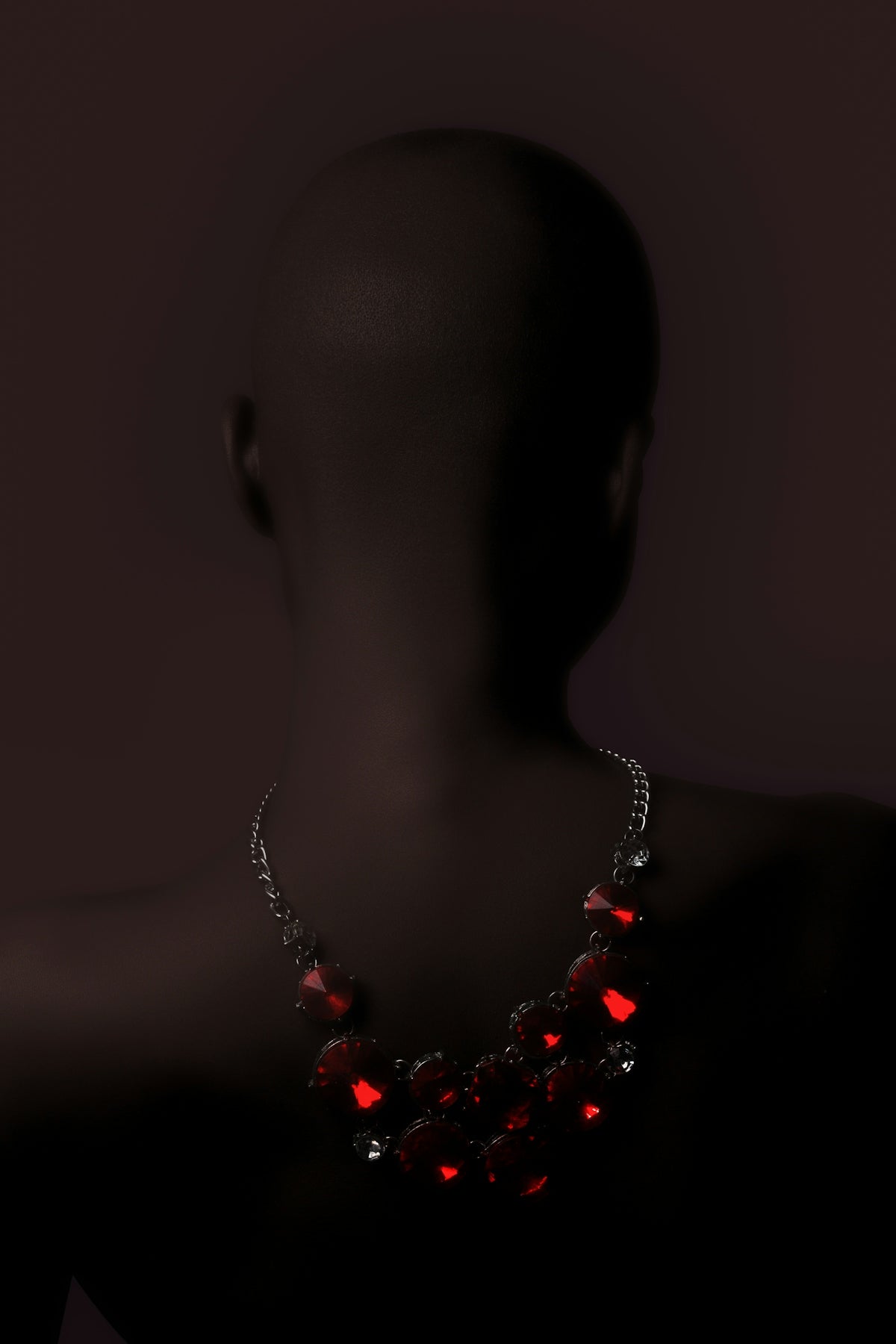
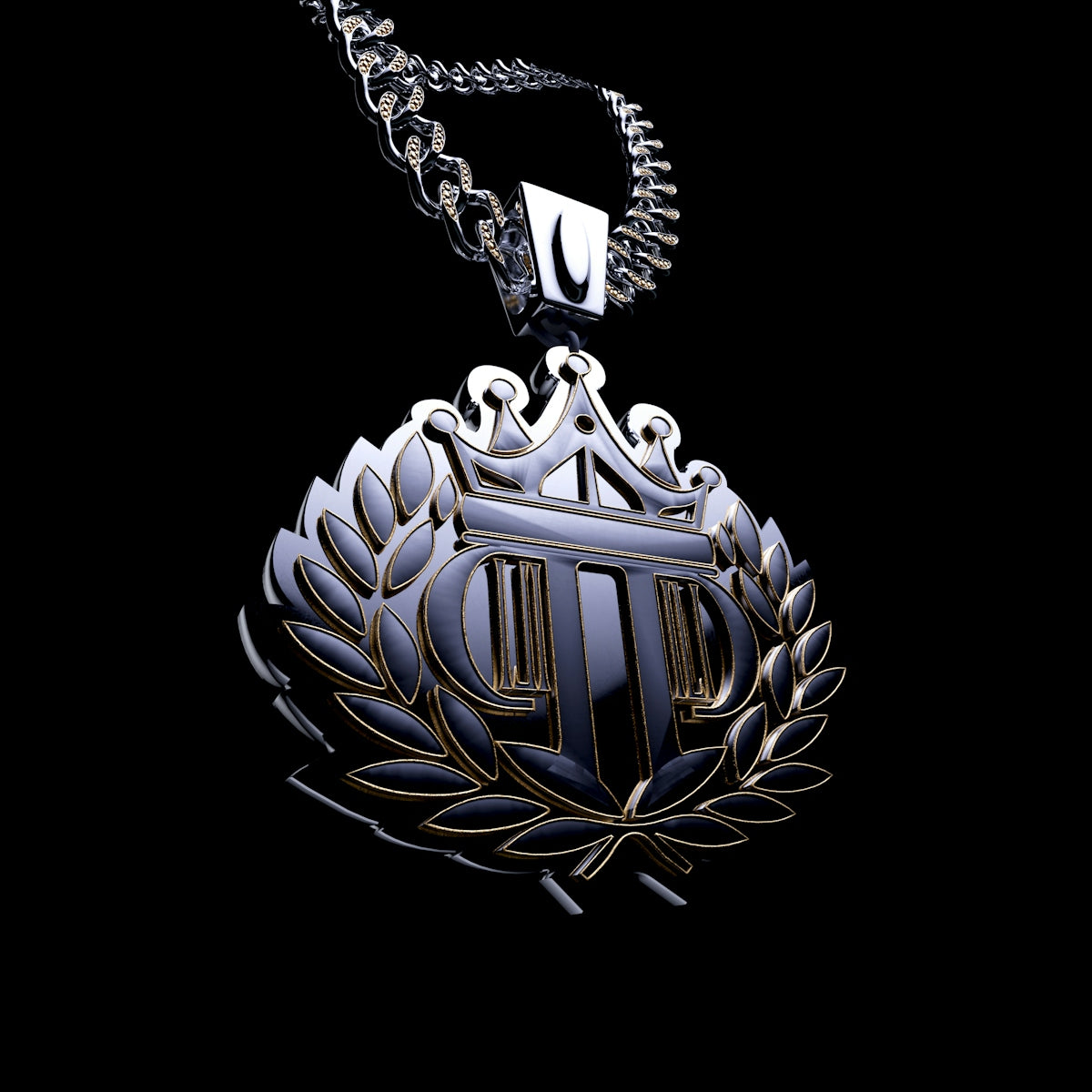
Shading in jewelry design is the key to adding life to your digital sketches. It not only outlines the silhouette of the piece but also mimics the play of light and shadow on metals and gemstones. As a jewelry designer, it's crucial to grasp these nuances to accurately portray how a finished product will appear in real life.
Differentiating Between Basic Shading and Advanced Shading
When starting, most digital jewelry designers employ basic shading techniques, which involve simple gradients and shadows. However, advancing beyond the basics involves understanding light sources, using multiple layers, and integrating various textures for a more realistic effect. Achieving this sophistication demands high-quality brushes and tools tailored to jewelry design, such as those in the PRO JEWELLERY KIT.
Tools and Techniques for Procreate Jewelry Designers
Procreate has transformed into a powerful tool for jewelry sketch artists and concept artists alike, thanks to its extensive brush library and easy-to-use interface. To truly harness its potential, integrating specialized tools is necessary. For instance, the article Best Tools for Procreate Jewelry Sketch Artists highlights essential resources every jewelry sketch artist should consider.
Choosing the Right Brushes
Choosing the right brushes is vital for achieving realistic shading in jewelry sketches. The right brush can simulate the texture of metal surfaces or the intricate facets of gemstones. The PRO JEWELLERY KIT offers a curated collection of high-quality brushes, specifically designed to meet the nuanced needs of jewelry design on Procreate.
Utilizing Layering to Add Depth
Layers in Procreate allow jewelry designers to work on different elements without affecting the overall design. Use layers to manage complex designs, with separate layers for metals, gemstones, and highlight effects. This method enables easy adjustments and refinements, ensuring each element achieves its intended impact.
Practical Shading Step-by-Step
Here’s a practical guide to mastering shading in your jewelry designs:
- Establish the Light Source: Determine where the light source in your design is coming from. This decision will guide where your shadows and highlights should fall.
- Start with Base Shading: Use a base color and apply a light shading to establish the primary form of your design. This creates a foundation to build upon.
- Build-Up Layering: Begin adding medium and dark tones on a separate layer to create depth. Play with opacity to achieve a natural gradient.
- Refine Details: Focus on refining the areas where light interacts with your piece most dynamically, such as the brilliant facets of diamonds or the polished sheen of gold.
- Texture and Highlights: Utilize texture brushes for a realistic result. Apply highlights on another layer with lighter tones to mimic light reflection on surfaces.
- Review and Adjust: Constantly zoom in and out to review your work from different perspectives, making necessary adjustments to layers and shading as you go along.
Essential Digital Tools
In addition to brushes, mastering shading techniques entails familiarity with various digital tools that support jewelry concept artists. Explore Essential Digital Tools for Jewelry Concept Artists for insights into the best software and digital equipment to enhance your workflow.
Encouragement for All Jewelry Designers
Remember, every master began as a beginner. With dedication and the right tools, such as the PRO JEWELLERY KIT, upgrading your jewelry design becomes an inspiring and achievable goal. Whether you're using innovative Procreate brushes or exploring new digital tools, your creative journey is ever-evolving. Start designing jewelry the right way.
Conclusion
Shading is an art within an art, especially for digital jewelry designers aiming for realism and depth in their work. By deploying sophisticated techniques and tools, you can bring your designs to life, revealing their true potential. Now is the time to refine your skills with the right guidance and professional-grade resources, exponentially enhancing the quality of your projects. Explore Procreate tools that make you feel like a pro.
Begin this exciting journey today, and see how these techniques and the right tools can transform your perspective and process as a jewelry designer.
For more insights and resources, head over to JewelsBrushes.com.