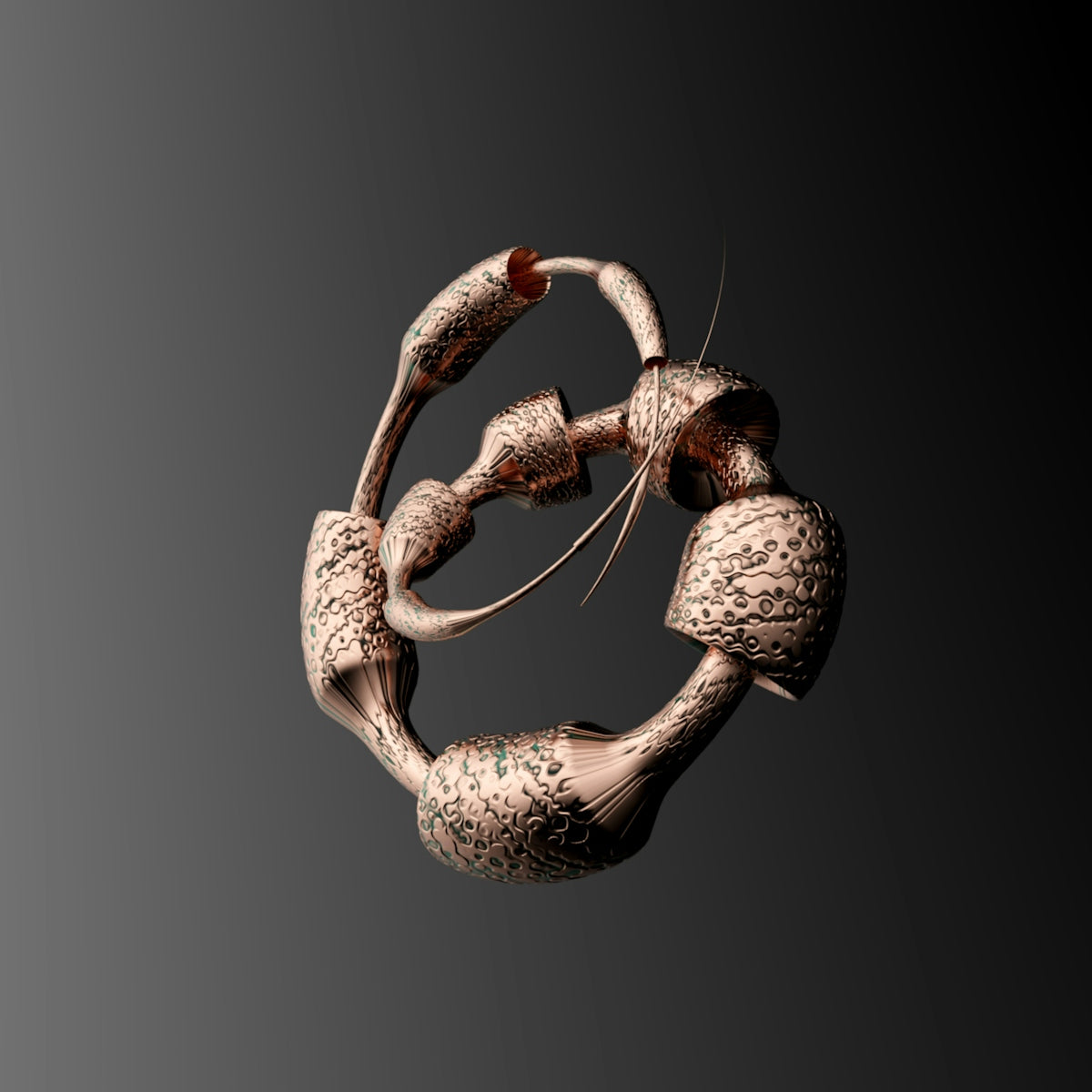
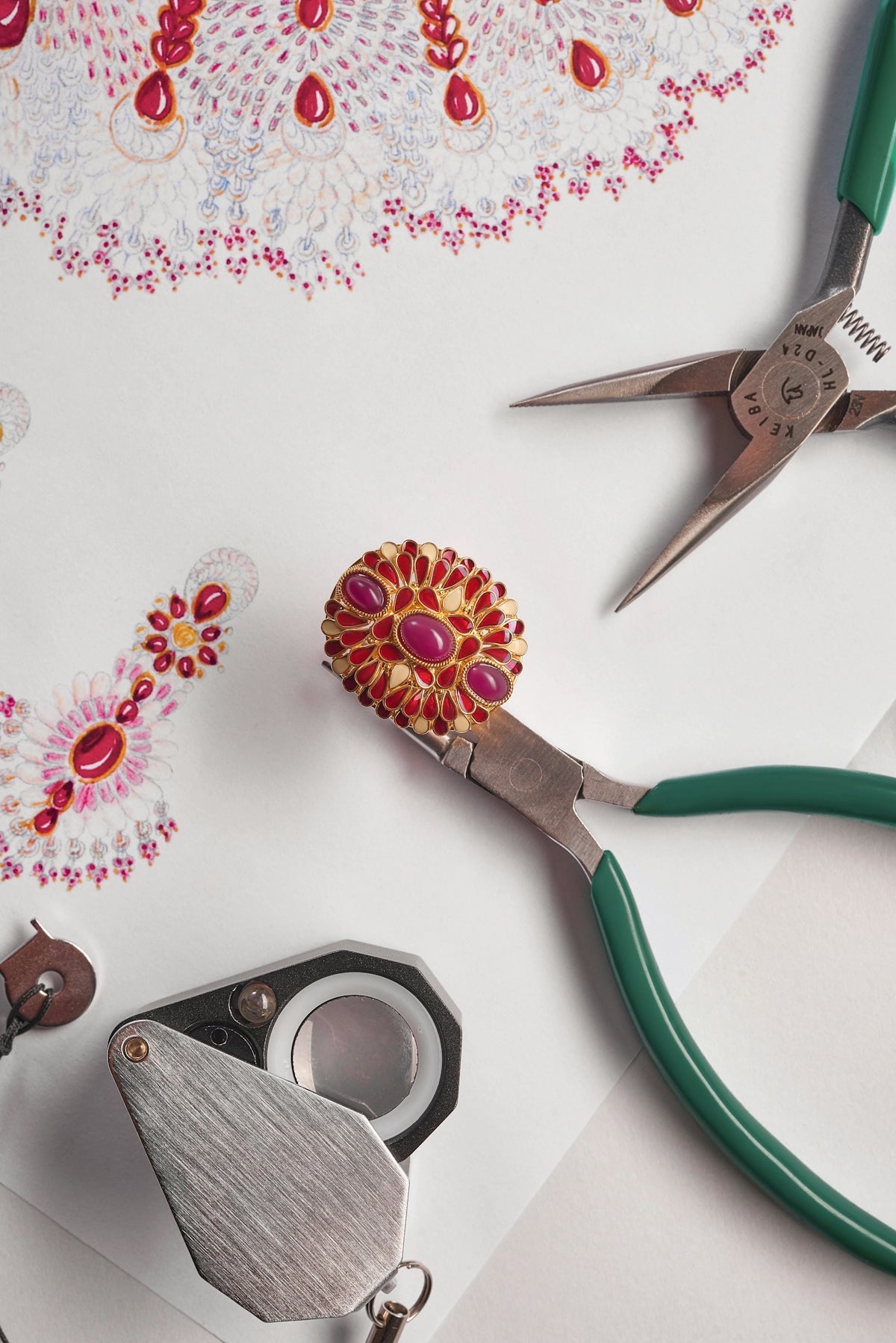
In the evolving world of jewelry design, tools like Procreate have become indispensable for both aspiring jewelry designers and seasoned professionals. As a Jewelry Sketch Artist or a Digital Jewelry Designer, leveraging the right tools can significantly upgrade your design process. One way to do so is by exploring the top Procreate tattoo brushes, which bring a new dimension to your jewelry concepts. Ready to start designing jewelry the right way? Explore Procreate tools that make you feel like a pro.
Why Use Procreate Tattoo Brushes for Jewelry?
Procreate tattoo brushes aren't just for tattoo artists. They serve as a versatile toolset for Jewelry Designers and Jewelery Designers to sketch intricate details and textures that are difficult to achieve with traditional methods. As a Jewelry Concept Artist, these brushes allow you to infuse each piece with an authenticity and an artistic flair that sets your work apart. They’re crafted with precision, enabling finer control over lines and shading—essential for jewelry design.
The Role of Procreate in Modern Jewelry Design
Procreate has revolutionized digital artistry by offering a blend of intuitive interface and powerful features. For Jewelry Designers, the app's flexibility and ease of use make it the go-to choice for transforming concepts into visual masterpieces. By integrating Procreate tattoo brushes, you enrich your design process with exceptional linework and detail.
For further insights, check out Transform Your Jewelry Designs with Procreate Linework, which covers advanced techniques to refine your digital jewelry designs.
Top Procreate Tattoo Brushes for Jewelry Designers
To maximize your design potential, consider these top-performing Procreate tattoo brushes:
1. Needle Sharp Brush
A must-have for Jewelry Sketch Artists who focus on intricate detailing. The Needle Sharp Brush provides precise, crisp lines needed in creating fine jewelry patterns. It's perfect for setting the initial outlines of your jewelry concepts.
2. Shading Maestro Brush
This brush is ideal for adding depth and dimension to your pieces. The Shading Maestro allows you to seamlessly blend shades, creating lifelike gemstones and textured metal surfaces. It gives your jewelry sketches a polished, professional touch.
3. Ornamental Pattern Brush
For those specializing in creating ornamental pieces, this brush offers diverse motifs that can be customized to fit any design. It simplifies the creation of complex patterns and adds an extra layer of detail that captivates the viewer.
4. Texture Enhancer Brush
This brush is essential for adding a tactile element to your digital designs. Whether you're simulating the smoothness of polished gold or the roughness of a hammered finish, the Texture Enhancer brings your designs closer to reality.
5. Fine Liner Brush
Precision is key in jewelry design, and the Fine Liner Brush is designed for just that. It allows for extreme precision and helps in illustrating minute details on digital canvases, essential for capturing the delicate features of jewelry.
Elevate Your Designs with the PRO JEWELLERY KIT
To truly elevate your jewelry design work, consider the PRO JEWELLERY KIT available on JewelsBrushes.com. This kit is created with professional standards that cater to the needs of both aspiring designers and seasoned professionals. It includes brushes catered specifically for jewelry design, ensuring your final product is of the highest quality.
For more on must-have tools, check out Top Tools for Becoming a Successful Digital Jewelry Designer.
Making the Most of Your Procreate Experience
As you explore these brushes, remember that practice and experimentation are your best allies. Here are some steps to guide you:
- Familiarize Yourself with Each Brush: Spend time understanding the capability of each brush. Test them on various styles and patterns to know which ones suit your design needs.
- Experiment with Settings: Procreate offers extensive customization for each brush. Try different pressure and opacity settings to find the best fit for your design process.
- Combine Brushes for Diverse Effects: Layering different textures can create rich, dynamic pieces. Use multiple brushes together to explore new realms of creativity.
- Continuously Update Your Skills: Stay informed about new brushes and techniques. The digital art world is dynamic, and keeping your skills sharp ensures your designs remain cutting-edge.
For more detailed insights, refer to How Procreate Tattoo Brushes Aid Jewelry Design.
Start Designing Jewelry the Right Way
The art of jewelry design is ever-evolving, and utilizing top Procreate tattoo brushes can help you stay ahead in the industry. Whether you're a new Jewelry Designer looking to make your mark, or a seasoned Jewellery Designer refining your technique, starting with the right tools is crucial. Embrace the opportunities that digital tools like these offer and elevate your creative process.
Ready to take your designs to the next level? Explore Procreate tools that make you feel like a pro.
By bridging traditional artistry with digital innovation, you can create pieces that aren't just designs on a screen, but are vivid works of art ready for crafting. Welcome to the future of jewelry design!