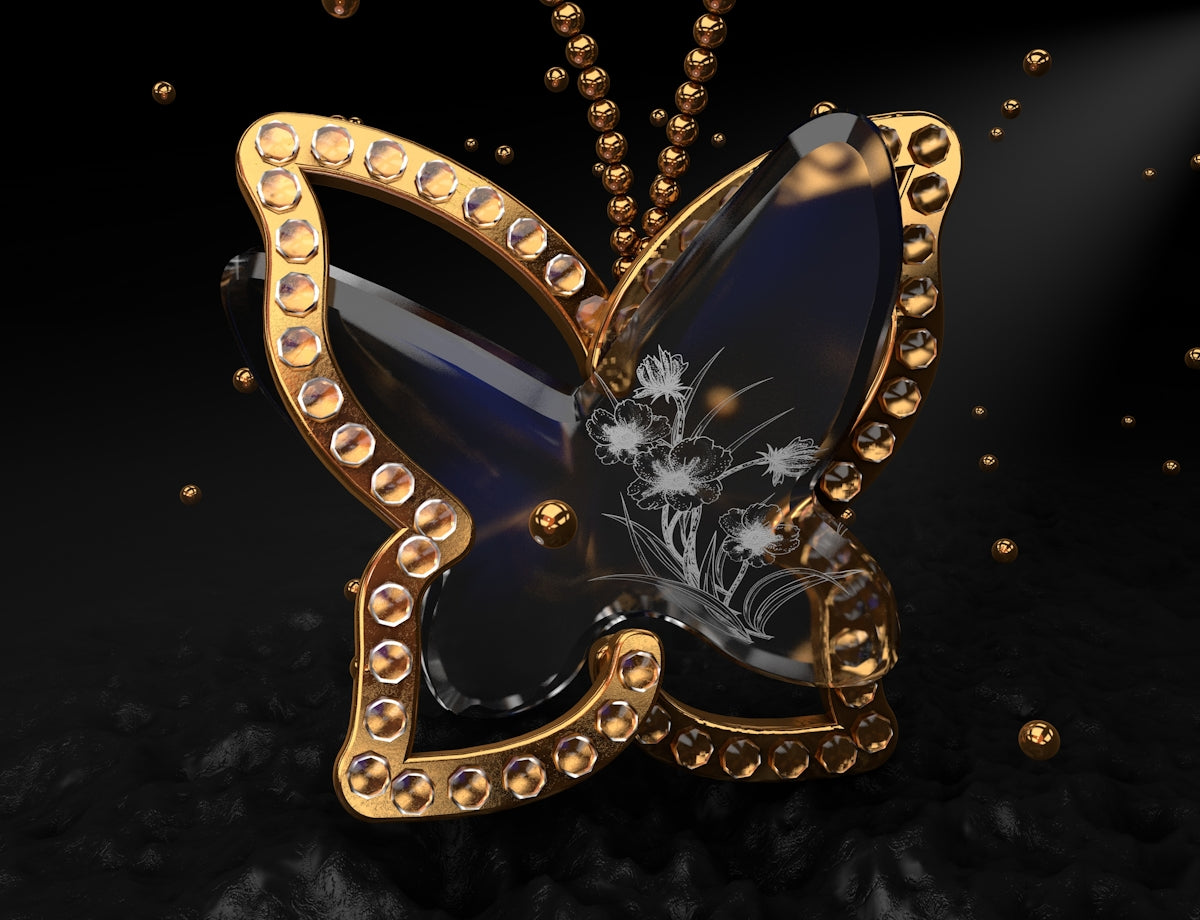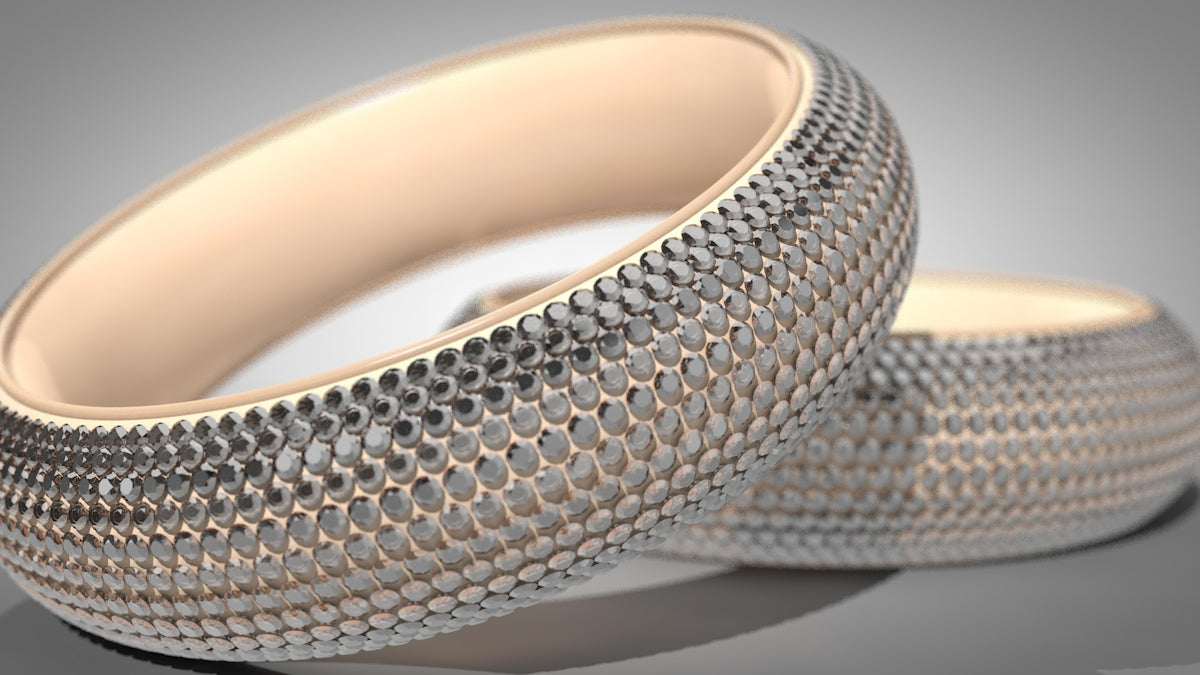
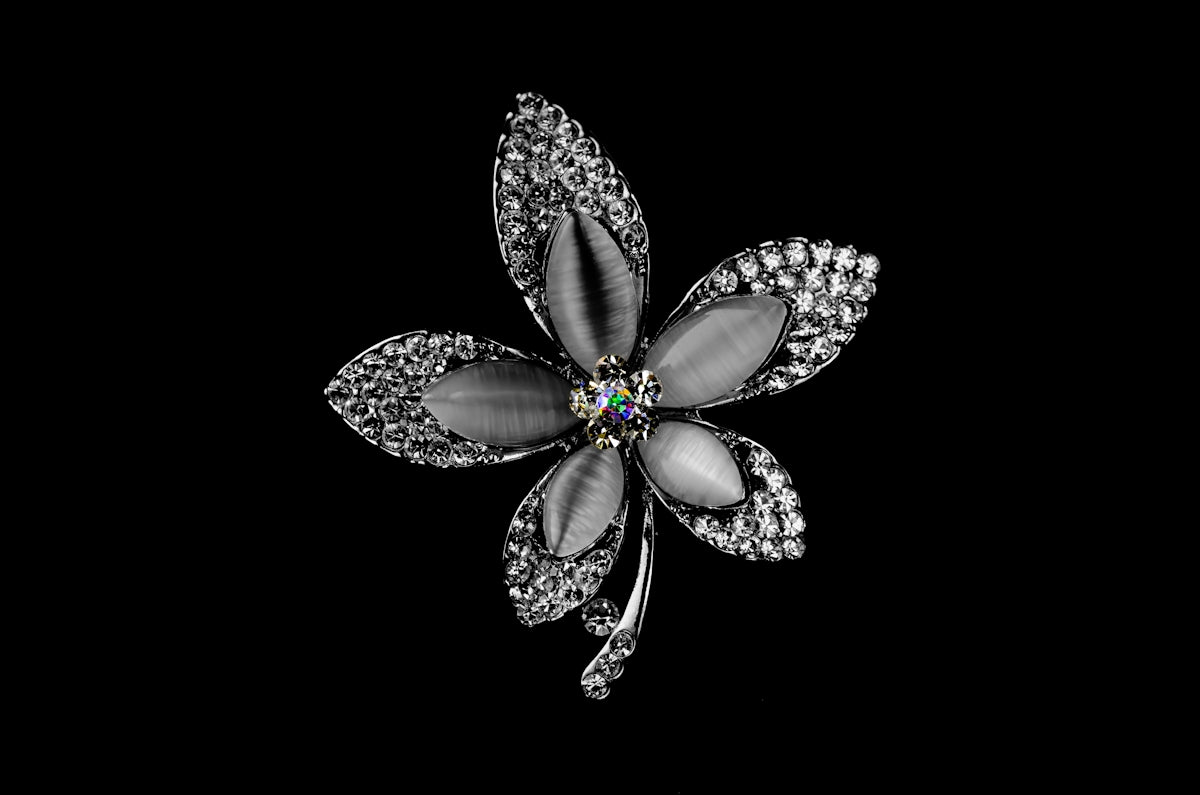
In recent years, Procreate tattoo brushes have taken the spotlight in transforming how jewelry design evolves, paving the way for more dynamic and intricate pieces. Whether you’re an aspiring jewelry designer or a seasoned pro, the potential for upgrading your craft through digital tools is quite promising. With vibrant tools like the PRO JEWELLERY KIT found at JewelsBrushes.com, you can explore Procreate tools that make you feel like a pro. This blog post is geared towards guiding you on how to effectively integrate Procreate tattoo brushes into your design process, elevating your craftsmanship to a professional standard.
The Intersection of Tattoo Art and Jewelry Design
Much like tattoo art, jewelry design thrives on intricate details and creative vision. Tattoo brushes in Procreate provide a unique set of capabilities that allow jewelry designers to tap into these qualities. These brushes offer a range of textures and styles that can be crucial for drafting the fine details required in jewelry design sketches.
While traditional sketching methods require physical tools and are often limited by the medium, Procreate offers a digital palette, enabling jewelry and jewellery designers to experiment and innovate without hindrance. For those looking to push their boundaries, digital platforms coupled with the right tools provide unparalleled opportunities.
Why Jewelry Designers Turn to Procreate
Procreate has become an essential platform for digital jewelry designers due to its powerful features and endless customization options. The vast library of brushes allows you to illustrate precise details, making high-fidelity concept art easily attainable. Here are several reasons why jewelry sketch artists are adopting Procreate:
- Efficiency: Designers can swiftly iterate on concepts, testing multiple variations of a design with ease.
- Versatility: With custom brushes like those found in the PRO JEWELLERY KIT, you can create intricate textures ranging from delicate filigree to bold engravings.
- Layering Capabilities: Procreate’s layering system allows designers to isolate elements of their sketches, making it easier to refine designs step by step.
Step-by-Step: Using Procreate Tattoo Brushes for Jewelry Design
Step 1: Setting Up Your Workspace
To begin, set up your Procreate workspace to optimize for jewelry design. Adjust your canvas size to ensure maximum resolution for intricate details — typically a 4000 x 4000px dimension works well.
Step 2: Choosing Your Brushes
Invest time in exploring and selecting the right Procreate tattoo brushes for your design. With the professional-grade tools from JewelsBrushes.com, you gain access to a variety of textures that mimic real-world materials like metals and stones.
For further insights into choosing the right digital tools for shaping your jewelry sketches, be sure to read Pro-Grade Jewelry Design Sketches with Digital Tools.
Step 3: Developing Your Concept
Once you’ve selected your brushes, begin sketching your base jewelry design. Use broad strokes to outline the general shape, then gradually layer in details. Consider each element of your piece — from the curve of a pendant to the facets of a gemstone.
If you’re seeking guidance on shading techniques, delve into the article Digital Shading Techniques Every Procreate Jewelry Designer Needs.
Step 4: Refining Details
Utilize the finer tattoo brushes to add intricate details such as etchings on metal or the texture of a jewel’s surface. The ability to zoom in closely allows for precise edits, ensuring your final design is as realistic as possible.
Step 5: Final Touches and Review
Complete your design by reviewing layers, making necessary adjustments, and considering client specifications or personal preferences. The flexibility of digital design aids in ensuring every detail meets the envisioned quality.
Embrace the Future of Jewelry Design
Procreate tattoo brushes open a new dimension of creativity for both new and professional jewelry concept artists. By integrating these tools into your design process, you not only enhance your efficiency but also elevate your craftsmanship.
Through platforms like JewelsBrushes.com, you gain access to resources that can ultimately transform your journey as a digital jewelry designer. Unlocking tools like the PRO JEWELLERY KIT positions you to thrive in this evolving industry, empowering you to start designing jewelry the right way. Let your next masterpiece be a testament to the power of innovation and creativity.
Explore more and take your first step towards professional-grade design transformations today.
This blog post emphasizes the significant role of Procreate tattoo brushes in enhancing jewelry design, focusing on practical steps and professional benefits, while maintaining an encouraging tone for readers of various experience levels.