In the world of jewelry design, where creativity meets precision, mastering digital techniques is essential for both aspiring and seasoned professionals. Digital shading, a crucial skill in crafting realistic and captivating designs, can transform your ideas into visually stunning pieces. Whether you're an aspiring jewelry designer or a seasoned pro, this guide will equip you with the digital shading techniques you need to elevate your craft.
Explore Procreate tools that make you feel like a pro
Understanding the Importance of Shading in Jewelry Design
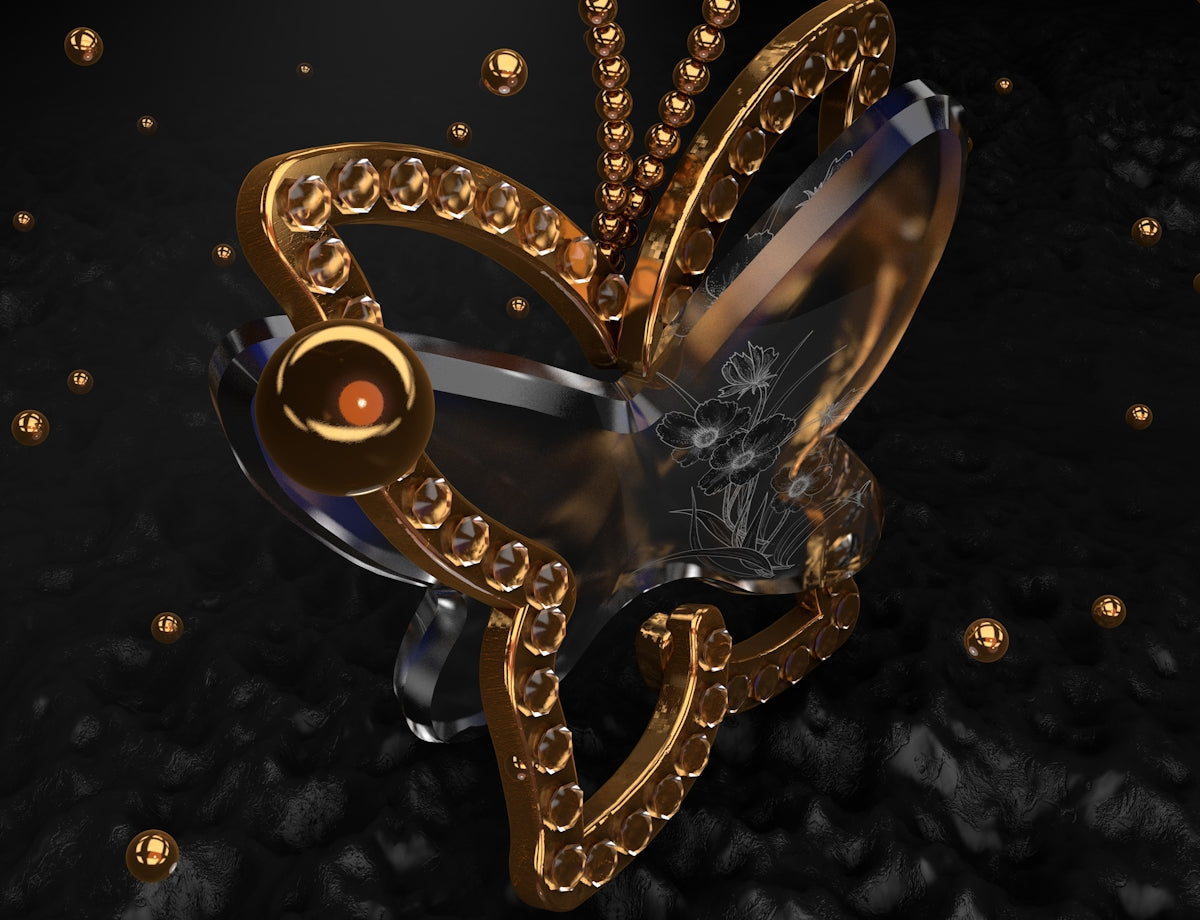
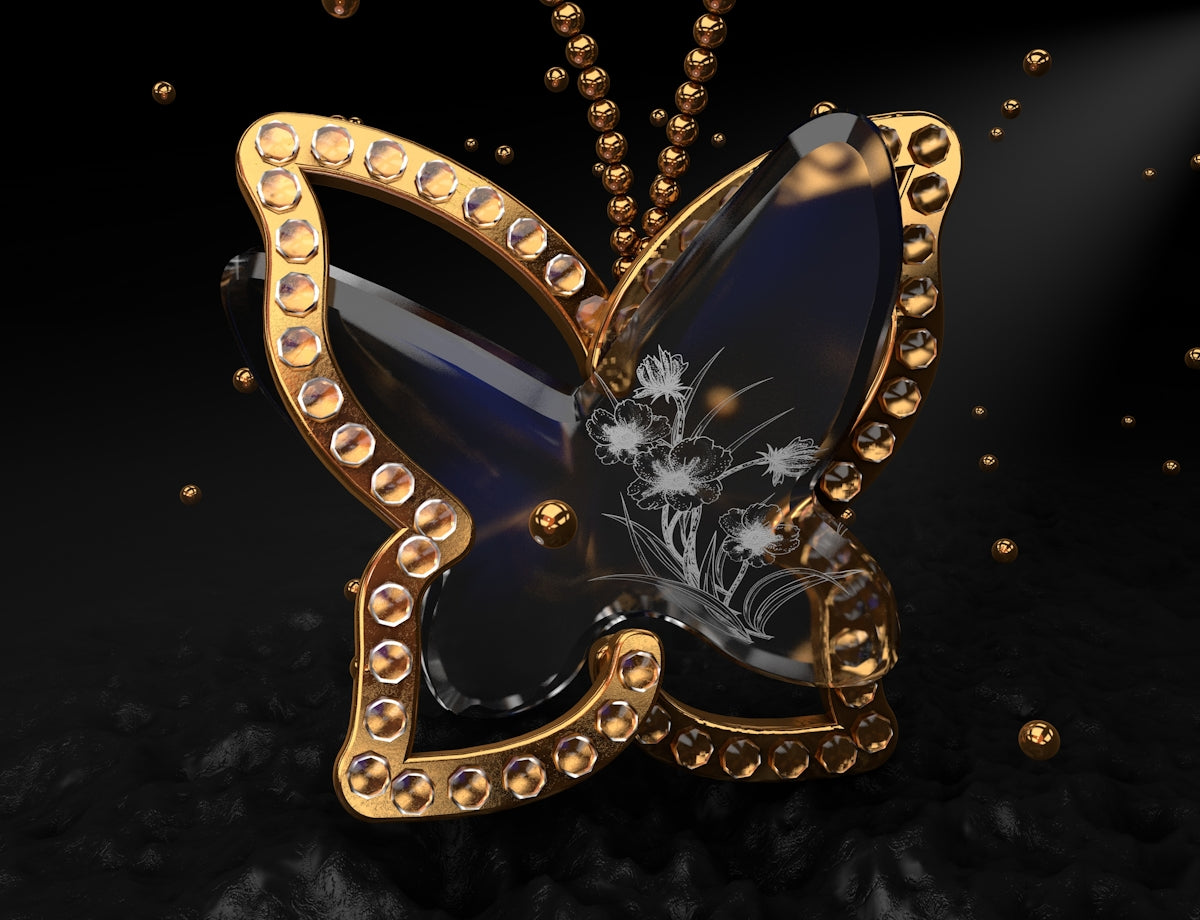
Shading in jewelry design adds depth, dimension, and realism to your artwork. It transforms flat designs into three-dimensional wonders, making your work stand out. For digital jewelry designers using Procreate, mastering shading is essential to mimic the play of light on different materials like gold, silver, and gemstones.
The Essential Tools for Digital Shading in Procreate
A jewelry designer's toolkit is not complete without the right digital tools. The PRO JEWELLERY KIT available at JewelsBrushes.com offers professional-grade brushes specifically designed for jewelry design. These tools are crafted to enhance your shading techniques, providing precision and control like never before.
Step-by-Step Guide to Procreate Shading Techniques
1. Setting Up Your Canvas
Before diving into shading, set up your Procreate canvas with the appropriate dimensions and resolution. This ensures your designs are detailed and of high quality, ready for both digital portfolios and print.
2. Choosing the Right Brushes
The choice of brush significantly affects the shading outcome. The PRO JEWELLERY KIT provides a variety of options for achieving different textures and shadows. Experiment with these to find the ones that best suit your style, ensuring they complement the type of jewelry you're designing.
3. Understanding Light Sources
To add realism to your designs, understand how light interacts with jewelry. Identify your primary light source and consider secondary reflections. Use highlights and shadows to create a sense of form and depth.
4. Layering Techniques
Using multiple layers in Procreate allows for non-destructive editing. Start by shading on one layer, then use additional layers to build up shadows and highlights. This approach lets you adjust elements individually without affecting the entire design.
5. Creating Realistic Textures
Textures bring life to digital jewelry designs. Use the various brushes in the PRO JEWELLERY KIT to simulate the smoothness of polished metals or the faceted sparkle of gemstones. Combine different brushstrokes and blending modes to achieve the desired effect.
6. Incorporating Color and Reflection
Jewelry often reflects its surroundings, adding complexity to shading. Use subtle color changes to depict these reflections, considering the environment where the jewelry would be worn. Adjust opacity levels for realistic reflections on metallic surfaces.
7. Fine-tuning Details
The final step in shading is refining the details. Zoom in to ensure your shadows and highlights are consistent throughout. Pay attention to edges where light naturally falls off, creating smooth transitions between light and dark areas.
Additional Resources
To expand your knowledge and skills, consider exploring these related articles:
- Unlocking Procreate Tattoo Brushes for Jewelry Concept Artists
- Best Jewelry Concept Art Techniques Using Procreate
- Essential Digital Techniques for the Modern Jewelry Sketch Artist
Concluding Thoughts
Mastering digital shading techniques in Procreate is a game-changer for jewelry designers and concept artists. These skills not only enhance the quality of your designs but also broaden your creative potential. Whether you're creating intricate patterns or luxurious gem-studded pieces, shading is key to portraying authenticity and allure in your artwork.
Embrace the high standards of the PRO JEWELLERY KIT to ensure your designs reflect professionalism and artistic excellence. Remember, the tools you use are as important as the skills you develop.
Start designing jewelry the right way
Equip yourself with the knowledge and tools from JewelsBrushes.com to transform your creative visions into dazzling realities.