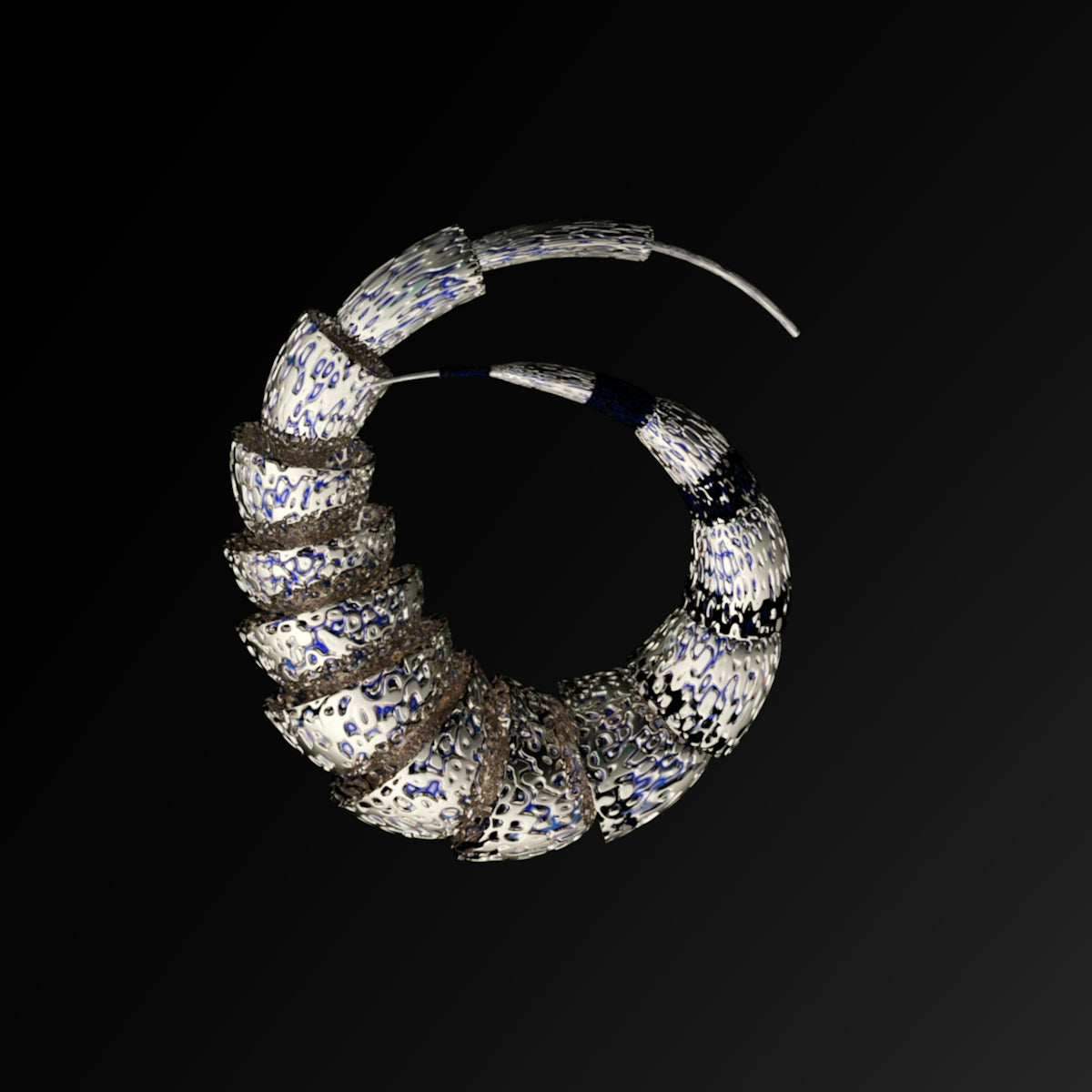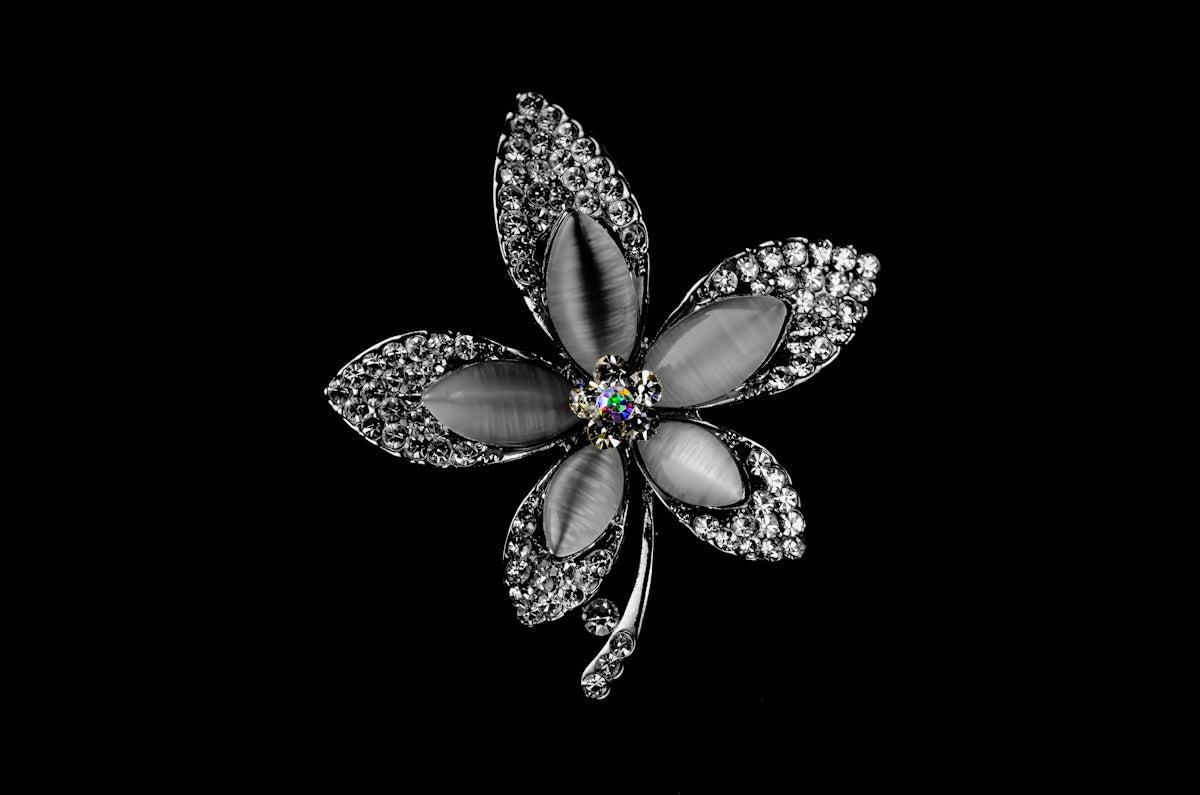
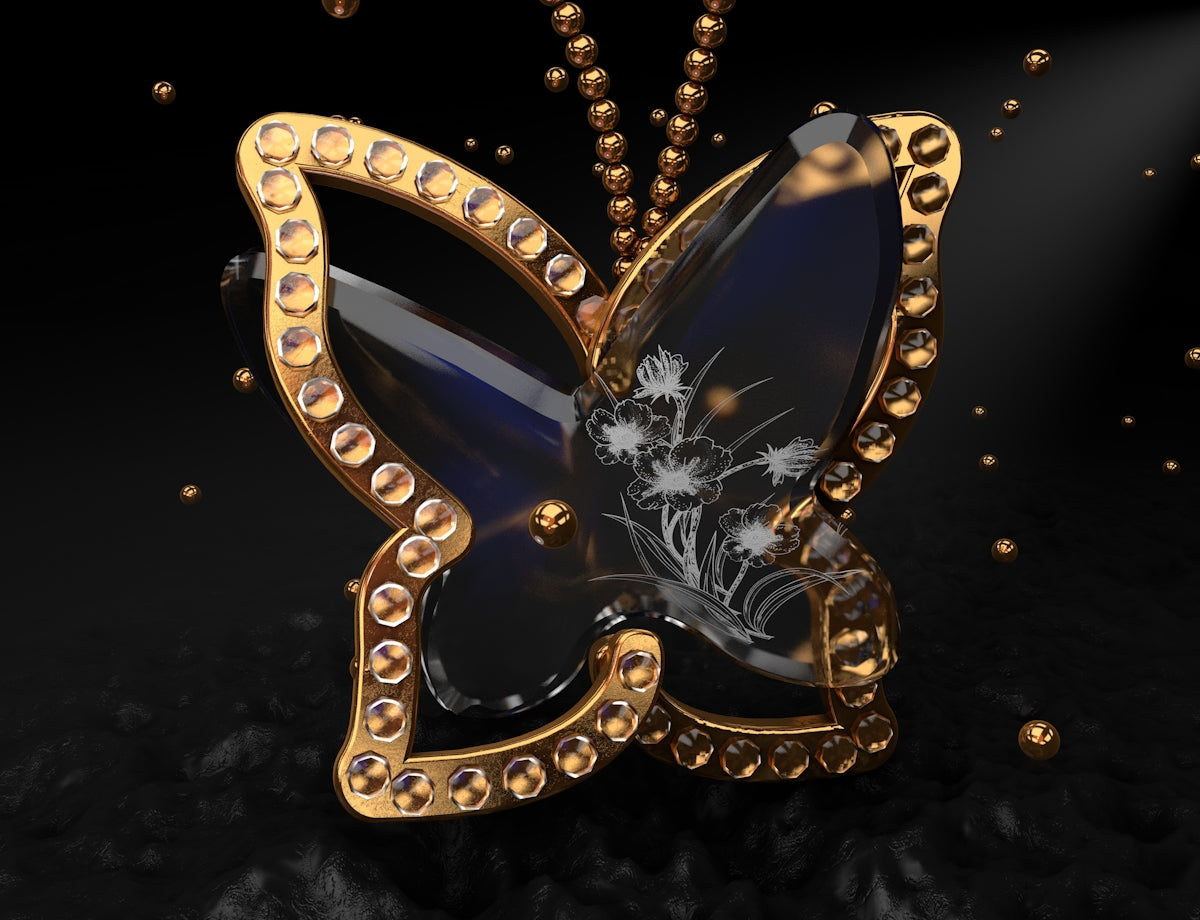
In the swiftly evolving world of jewelry design, the integration of digital tools has revolutionized the way jewelry designers bring their visions to life. Whether you're an aspiring jewellery designer or a seasoned professional, embracing these technological advancements could be the key to upgrading your design skills. When it comes to mastering your craft, JewelsBrushes.com offers the 'PRO JEWELLERY KIT,' paramount for attaining a professional standard in digital jewelry design. Start designing jewelry the right way now.
Why Digital Tools Are a Game-Changer in Jewelry Design
For centuries, jewelry design was an art form confined to the analog realm of pencils, paper, and painstaking manual techniques. Today, digital tools like Procreate have opened up new frontiers, offering jewelry sketch artists and jewelry concept artists unprecedented capabilities. These platforms provide a flexible and efficient way to create, iterate, and refine designs while maintaining the intricacies and details essential to exquisite jewelry pieces.
What Makes Procreate a Preferred Tool for Jewelry Designers?
As a Procreate jewelry designer, you gain access to an intuitive interface that feels like an extension of your creativity. Unlike traditional tools, Procreate offers layers, blending modes, and a multitude of brushes specifically designed for jewelry concept art.
If you're aiming to elevate your skills, the blog post Digital Shading Techniques Every Procreate Jewelry Designer Needs provides invaluable insights into achieving realistic shading effects that give your designs depth and texture.
Steps to Create Professional-Grade Jewelry Design Sketches
1. Getting Started with the Right Tools
Expertise begins with the right set of tools, and for a digital jewelry designer, this starts with Procreate paired with the 'PRO JEWELLERY KIT.' These brushes emulate the texture and fluidity of traditional materials, ensuring that your digital designs maintain the quality of handcrafted sketches.
2. Mastering the Basics: Lines and Shapes
To produce high-end sketches, jewelry sketch artists should focus on mastering basic lines and shapes. These foundational skills are essential for developing complex designs. Utilize Procreate's grid and symmetry features to ensure precision and balance in your sketches.
3. Layering Techniques for Complex Designs
Using layers in Procreate allows jewelry concept artists to build designs in stages, adding details without altering the underlying structure. This technique is crucial for intricate jewelry pieces, allowing you the freedom to experiment without risking your work thus far.
4. Elevating Your Designs with Digital Shading
As outlined in Digital Shading Techniques Every Procreate Jewelry Designer Needs, mastering shading techniques in Procreate can dramatically enhance the final look of your sketches. By incorporating realistic lighting and shadows, your designs can achieve a three-dimensional feel that captures the true essence of the materials you envision.
Advanced Techniques for Seasoned Jewelry Designers
For experienced professionals, advanced techniques can further hone the artistry and efficiency of your digital designs.
1. Using Procreate Brushes for Texture
Procreate offers specialized brushes that mimic the texture of various materials like gold, silver, or gemstones. Learning to apply these brushes effectively can help seasoned designers convey the tactile intricacies of real materials.
2. Exploring Color Theory and Application
A comprehensive understanding of color theory will enable you to use hues that enhance your designs. The layering and blending capabilities in Procreate make it a perfect platform for experimenting with colors, whether you are retrofitting old designs or exploring new concepts.
3. Unlocking the Potential of Procreate’s Tattoo Brushes
Tattoo brushes can provide unique textural elements and stylistic flair to jewelry designs. For more guidance on utilizing these brushes effectively, the article Unlocking Procreate Tattoo Brushes for Jewelry Concept Artists outlines essential techniques.
4. Techniques for Realism in Concept Art
For those intent on perfecting their concept art, the article Best Jewelry Concept Art Techniques Using Procreate provides advanced strategies for achieving photo-realistic results. These techniques are perfect for professional designers looking to present their clients with compelling, realistic visuals.
Encouragement for Aspiring Designers
For budding jewelry designers, the journey towards mastering digital design can seem daunting but profoundly rewarding. With the support of the 'PRO JEWELLERY KIT' and the extensive resources provided by JewelsBrushes.com, you have everything you need to excel. Each step you take in integrating these tools and techniques into your workflow is a leap towards achieving a professional level of artistry.
Conclusion
Digital tools have transformed jewelry design into a boundless art form where creativity and innovation know no limits. Whether you're just starting or looking to enhance your established skills, the resources available at JewelsBrushes.com empower you to create with confidence and precision. Explore Procreate tools that make you feel like a pro and elevate your jewelry design sketches to unparalleled heights.